Card scanner
Scan it or search it
- Point your camera at a raw card or a graded slab
- Or search by player and set, then pick the grade
- Every card you check lands in one list as you go
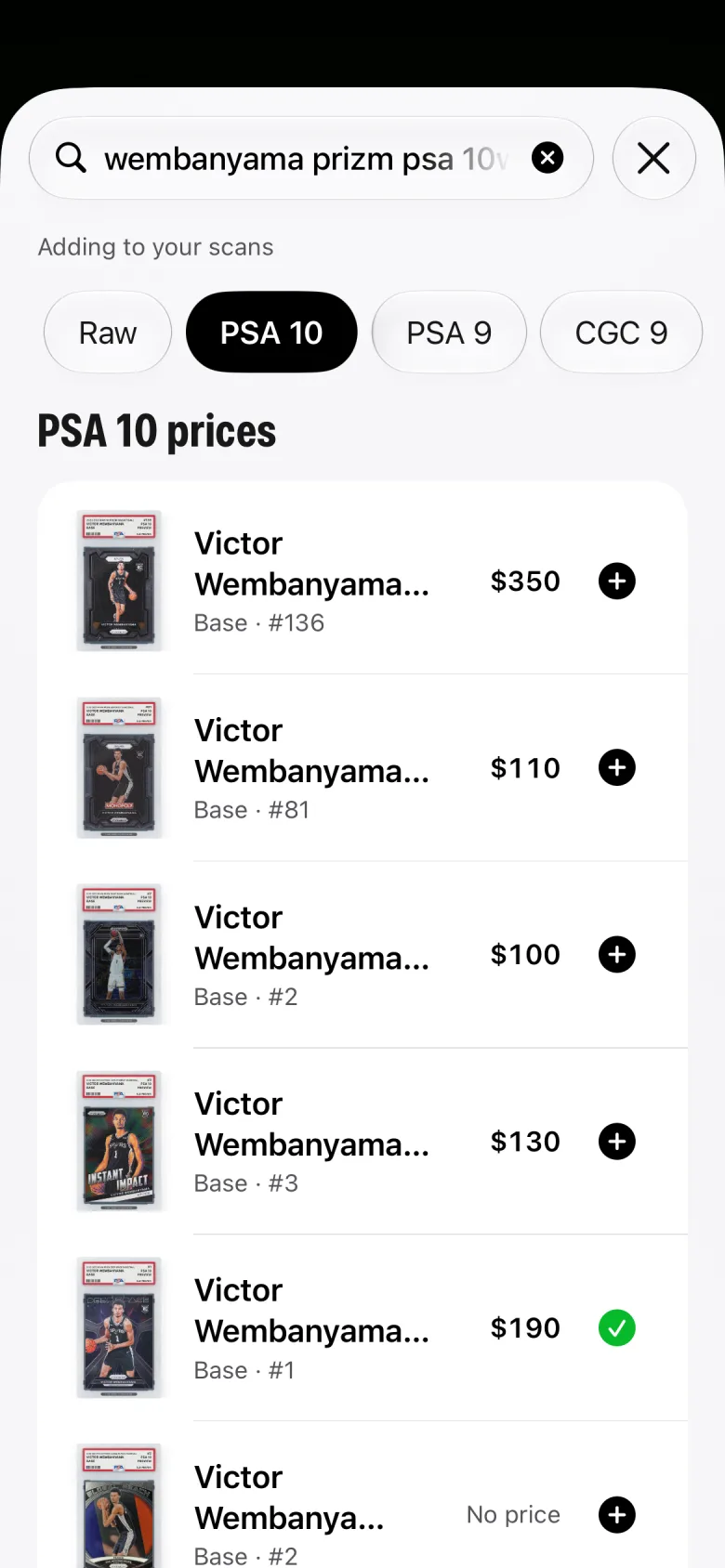
Scan it, see the number, see the sales behind it. Then add it, buy it, or pass, before the next card hits the table.
Card scanner
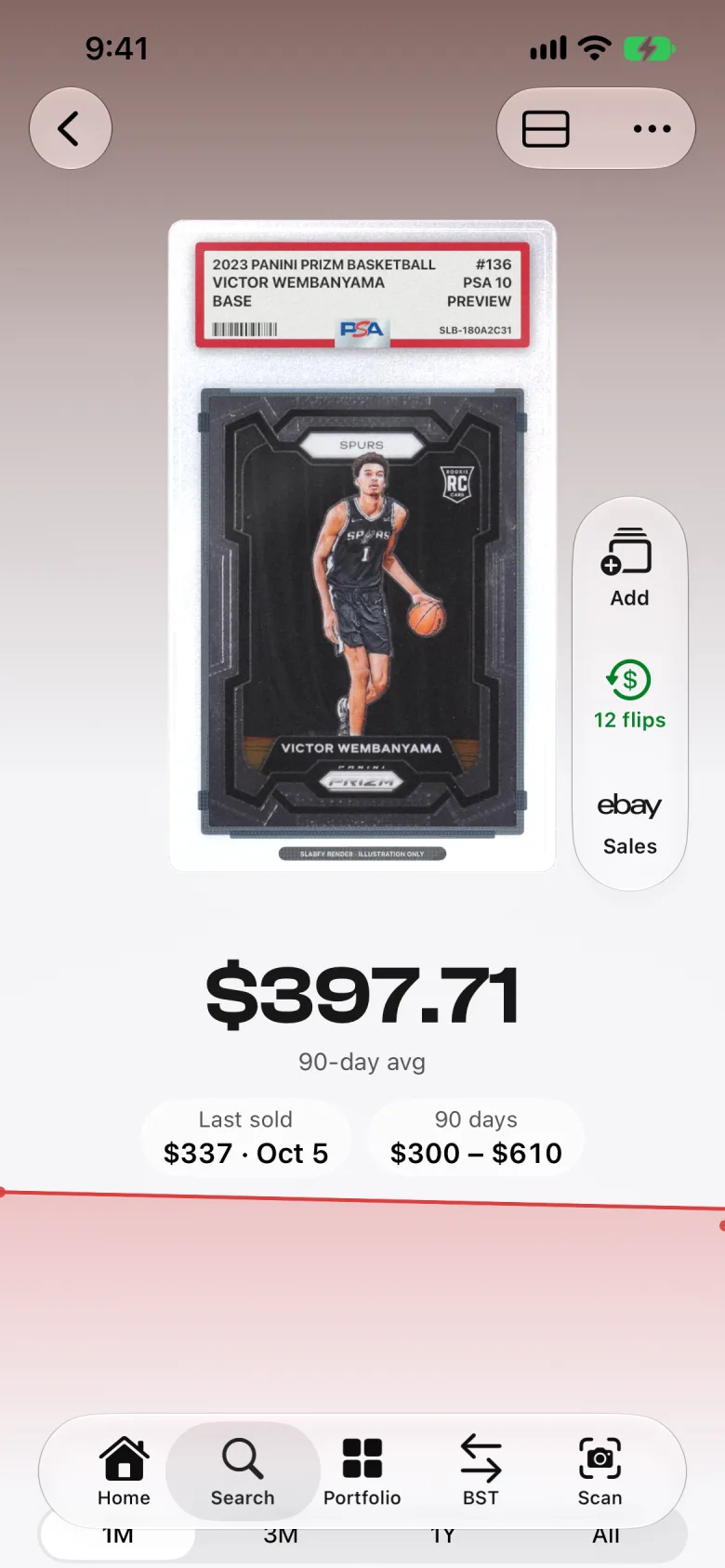
Card value
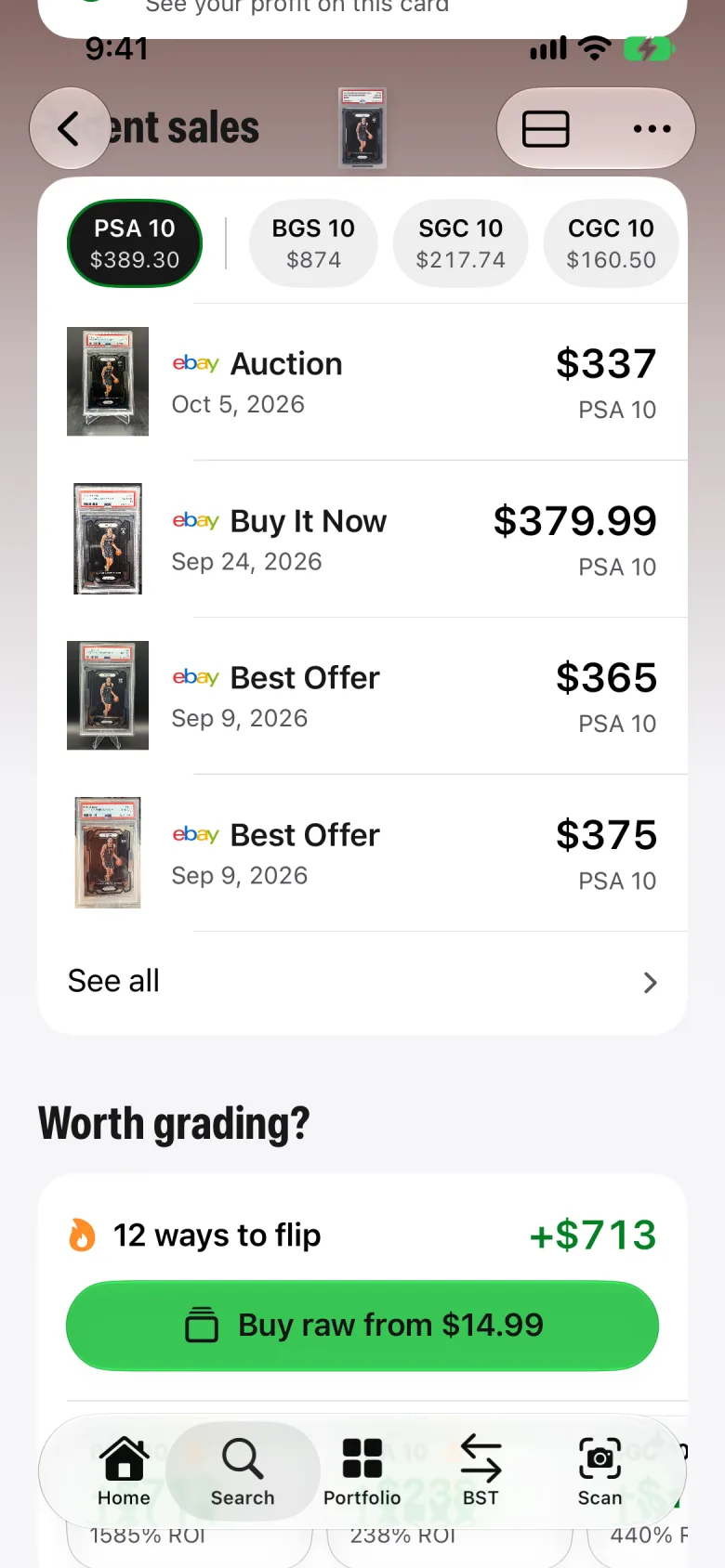
Sold comps
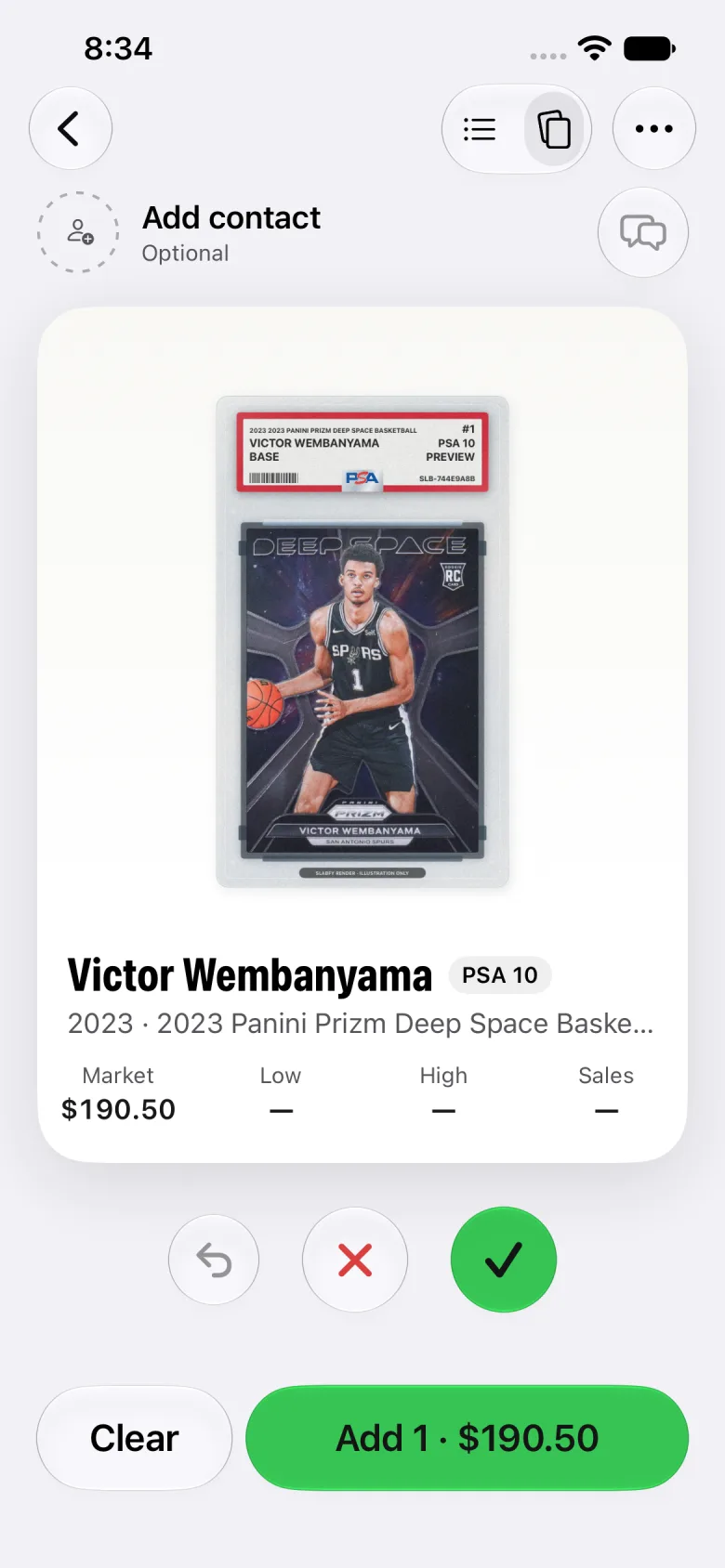
Buy or pass
Point your camera at the card, or search it by player, year, and set.
Slabfy shows what it's worth about, and the sold sales that back it up.
Add it to your portfolio, put it on a buy list, or pass and scan the next one.
The guide
At a card show, the seller is waiting while you decide. Looking up sold listings by hand takes minutes per card, and on a big table that adds up to hours and missed deals.
Price Check gets that down to a scan. Point, read the number, decide, and move to the next card while the seller is still talking.
The big number is what the card is worth about today, built from sold sales, not asking prices. Asking prices tell you what people hope to get; sold prices tell you what buyers actually paid.
Tap it to see every sale behind it, with dates. A few recent sales close together is a number you can lean on. One old sale is a starting point, not a price.
Tell Price Check whose cards these are. Checking your own cards just shows value. Buying lets you scan a stack into a buy list. Pricing a seller's cards keeps that seller's stack together so you can make one offer.
On Dealer, when you're buying, Slabfy flags each card Buy, Pass, or Your call, so you can go through a box fast and spend your time on the cards that matter.
Price Check is Slabfy's card price checker. Scan or search a sports card, raw or graded, and see what it's worth about from sold sales, plus the sales behind that number.
Open Price Check and point your camera at the card, or search it by player, year, and set. Slabfy identifies it, shows what it's worth about, and lists the sold sales it found.
Sold sales, not asking prices. Tap the price to see each sale with its date, or open the sold listings on eBay. When a card has no sales on file, Slabfy shows its best estimate and says so.
Yes. Scan a raw card or a graded slab.
Yes. Keep scanning and each card gets priced as you go. On Dealer, buying mode builds a buy list and flags each card Buy, Pass, or Your call.
On Collector, scan a card from Home or Search to see what it's worth. The full Price Check screen, with buy lists and offers, is on Dealer. See Pricing for details.
14 days free on monthly Collector, Collector Plus, and Dealer.
Start free trial