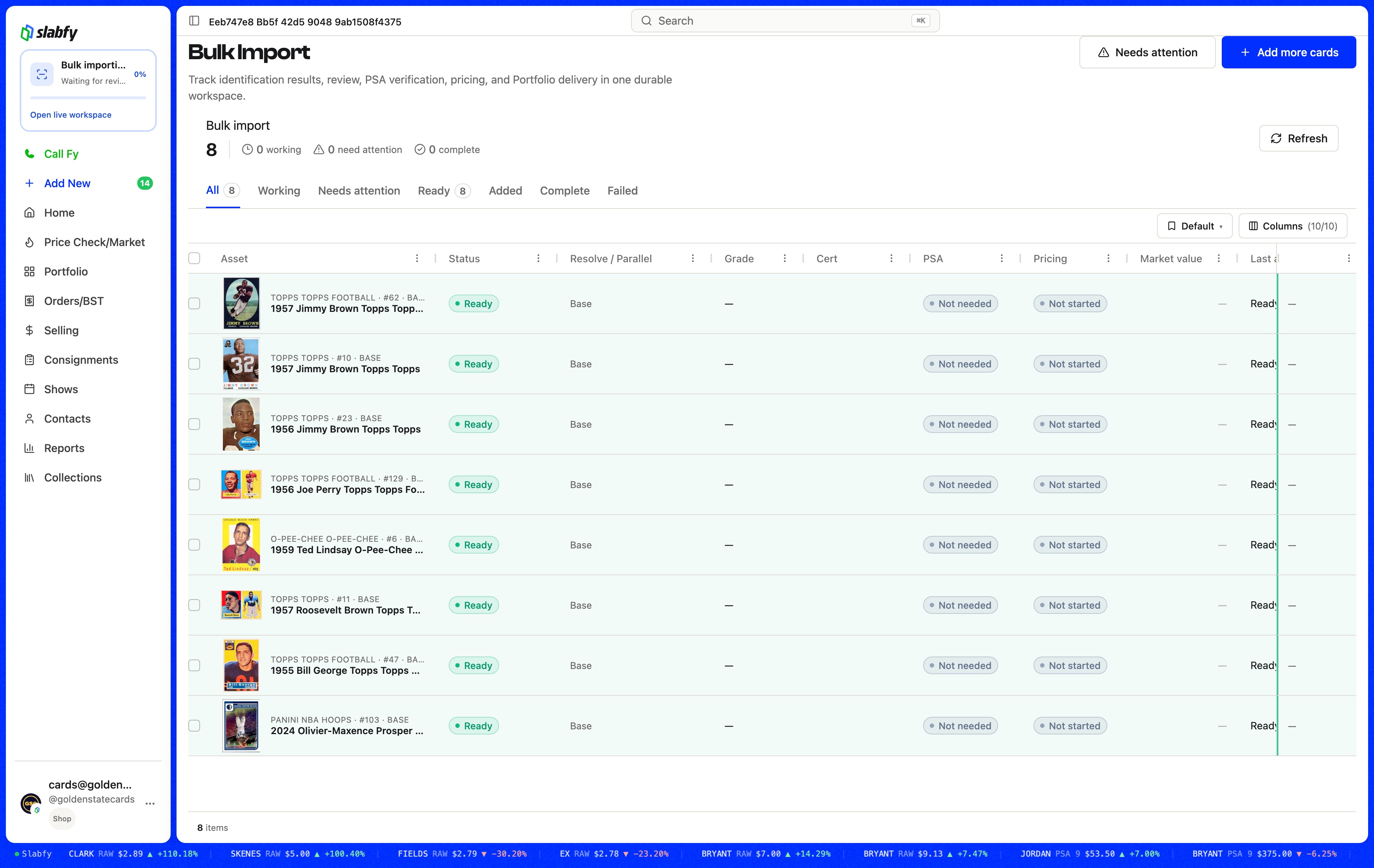
A stack of cards in. A priced portfolio out.

Run a stack through your scanner, drop in photos, or upload a spreadsheet. Slabfy pairs fronts with backs, works out each card, and prices it.

Slabfy Bulk Import on the web: Run a stack through your scanner, drop in photos, or upload a spreadsheet. Slabfy pairs fronts with backs, works out each card, and prices it.

Three ways in. Every card priced.

Scanner import · Shop

Connect your scanner folder once

  • Connect Dropbox in Settings, one time
  • Scan a stack, then hit Pull from scanner
  • Slabfy only sees its own folder
Bulk intake
Scanner folder (Dropbox)Synced 2 min ago
Connected
Rotate scanner images
None90°180°90° ccw
Pull from scanner
16 scans waiting
Fronts and backs

Every front finds its back

  • Drop in photos, or pull them from the scanner
  • card01_front and card01_back pair up on their own
  • Unnamed photos pair in order: front, then back
Scan photos 8 cards
card01_front · backMatched
card02_front · backMatched
card03_front · backMatched

Card ID

Every card identified

  • Year, set, number, and parallel for each card
  • Check every match before anything is added
  • Then it's priced and lands in your portfolio
Bulk import 8 ready
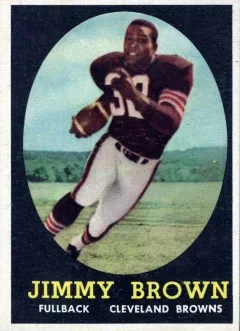
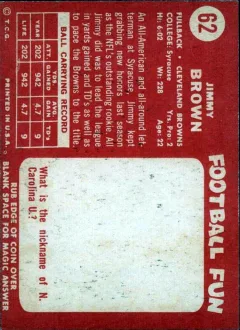
1958 Topps Jim BrownTopps Football · #62 · BaseReady
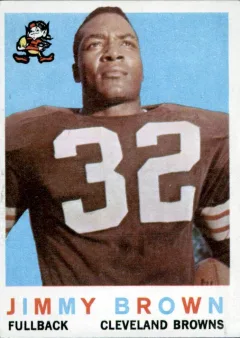
1959 Topps Jim BrownTopps Football · #10 · BaseReady
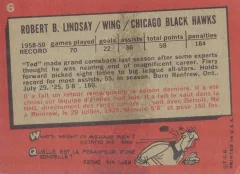
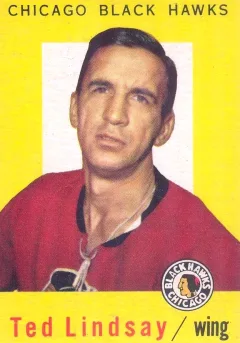
1959 O-Pee-Chee Ted LindsayO-Pee-Chee · #6 · BaseReady
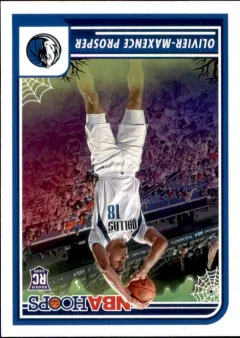
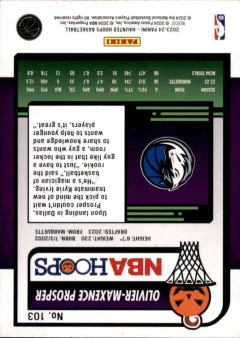
2024 Olivier-Maxence ProsperPanini NBA Hoops · #103 · BaseReady
Add 8 cards

Spreadsheet import

Bring the spreadsheet you already have

  • Any CSV: Slabfy matches your column names
  • Preview every row before it comes in
  • Only have cert numbers? The slab details fill in
Spreadsheet collection.csv
Your columnSlabfy
Player NamePlayer
YrYear
SetSet
Card #Number
GradeGrade
PaidCost
Private preview · nothing saved until you approve
Import 214 rows
Bulk intake
Scanner folder (Dropbox)Synced 2 min ago
Connected
Rotate scanner images
None90°180°90° ccw
Pull from scanner
16 scans waiting
Scan photos 8 cards
card01_front · backMatched
card02_front · backMatched
card03_front · backMatched
Bulk import 8 ready
1958 Topps Jim BrownTopps Football · #62 · BaseReady
1959 Topps Jim BrownTopps Football · #10 · BaseReady
1959 O-Pee-Chee Ted LindsayO-Pee-Chee · #6 · BaseReady
2024 Olivier-Maxence ProsperPanini NBA Hoops · #103 · BaseReady
Add 8 cards
Spreadsheet collection.csv
Your columnSlabfy
Player NamePlayer
YrYear
SetSet
Card #Number
GradeGrade
PaidCost
Private preview · nothing saved until you approve
Import 214 rows

Pick the way in that fits the pile

A few dozen cards: scan them with your phone. A few hundred raw cards: a sheet-feed scanner is fastest, because it does the fronts and backs in one pass. Already have it all in a spreadsheet: upload the CSV.

Every way ends in the same place: each card identified, priced from sold sales, and in your portfolio with what it's worth today.

Scanning a stack with a sheet-feed scanner

Set your scanner to save color JPGs, front and back, into the Slabfy folder in your Dropbox. Slabfy was set up on a Ricoh (Fujitsu) fi-series scanner, and any scanner that saves JPGs to Dropbox can feed it.

When the stack is done, open Import Cards and hit Pull from scanner. Slabfy pairs each front with its back, works out the card, and shows you the batch to check before it's added.

Bulk Import questions, answered.

How do I import a lot of sports cards at once?

Open Import Cards. Pull a scanned stack from your Dropbox folder, drop in front and back photos, or upload a spreadsheet. Slabfy identifies each card, prices it, and lets you check the batch before it's added.

Which scanners work with Slabfy?

Any scanner that can save JPG scans to a Dropbox folder. Slabfy was set up and tested on a Ricoh (Fujitsu) fi-7160, a sheet-feed scanner that does fronts and backs in one pass.

Do I need Dropbox?

Only for scanner import. Your scanner saves to a Dropbox folder and Slabfy pulls from it. Photo and spreadsheet imports don't need it.

Can I import a spreadsheet or CSV?

Yes. Upload any CSV. Slabfy matches your column names, shows a preview, and imports the rows you approve. There's a sample template if you're starting fresh.

How does it match fronts and backs?

Name files like card01_front and card01_back and they pair up. Scanner file names pair on their own too. Unnamed photos pair in order: first front, then back.

Which plans include Bulk Import?

Photo and spreadsheet import come with every paid plan. Scanner import through Dropbox is on Shop. See Pricing for details.

Explore more of Slabfy

Run your cards like a business.

14 days free on monthly Collector, Collector Plus, and Dealer.

Start free trial